
Complete Guide to llms.txt Standard for Developers
As Large Language Models (LLMs) rapidly replace traditional search bars as the primary interface for web discovery, the way we optimize websites must evolve. Traditional Search Engine Optimization (SEO) focused on keyword density, backlinks, and meta tags for crawlers like Googlebot. Today, developers face a new paradigm: Generative Engine Optimization (GEO).
To ensure AI models accurately index, understand, and cite your technical documentation, products, and articles, a new standard has emerged: the llms.txt file.
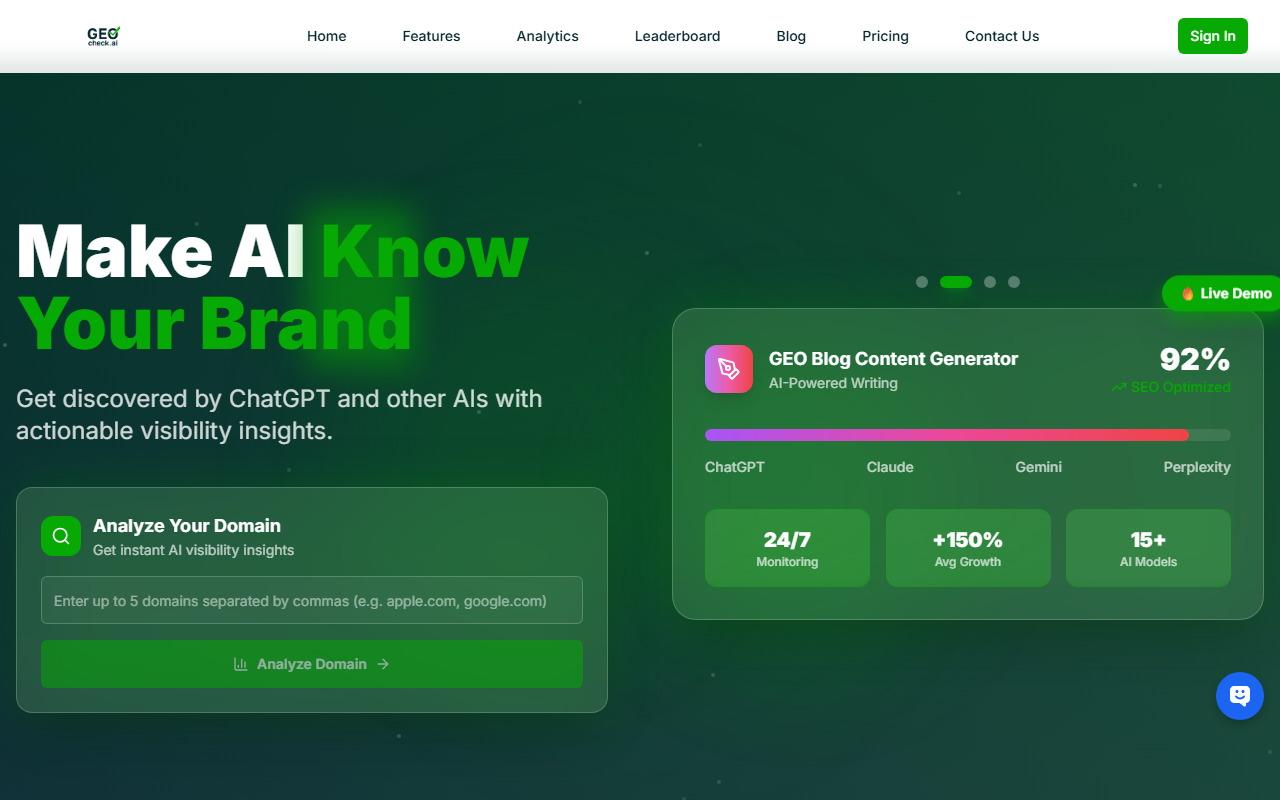
In this complete guide, we will break down what the llms.txt standard is, why it is essential for modern web development, how to structure it, and how platforms like GeoCheck.ai can help you audit and maximize your AI visibility across ChatGPT, Gemini, Claude, Grok, and DeepSeek.
1. What is the llms.txt Standard and Why Does It Matter?
Just as robots.txt historically told web crawlers which URLs they could or could not access, and sitemap.xml provided a comprehensive map of a site's pages, the llms.txt file is designed specifically for Large Language Models.
Proposed as an open standard to streamline how AI agents ingest website content, llms.txt sits in the root directory of your website (yourdomain.com/llms.txt). It provides a lightweight, markdown-formatted overview of your project, its core documentation, and structured links to deeper resources.
The Problem with Traditional Crawling for AI
When an AI-powered search engine or retrieval-augmented generation (RAG) system attempts to scrape a developer portal or SaaS documentation site, it often encounters:
- Bloated HTML: Heavy JavaScript frameworks, complex DOM trees, and excessive navigation menus that waste context tokens.
- Ambiguous Hierarchy: Unclear relationships between tutorials, API references, and release notes.
- Rate Limiting & Blocks: Overzealous
robots.txtrules that accidentally lock out valuable AI answer engines.
The llms.txt standard solves these issues by serving a clean, plain-text markdown file that strips away the noise and hands LLMs the exact context they need to talk accurately about your product.
2. Anatomy of a Perfect llms.txt File
Creating an llms.txt file is remarkably straightforward because it relies on standard Markdown. The file is typically broken down into a high-level project summary followed by categorized markdown links pointing to your most critical documentation pages.
Here is a breakdown of the core sections required in a production-ready llms.txt file:
1. Title and H1 Summary
Start with a clear, concise H1 heading identifying the project or brand, followed by a brief 2-3 sentence blockquote or paragraph explaining what the project does and who it is for.
2. Optional Context (The "Optional" Section)
You can include background information, key terminology, or architectural overviews that help the LLM understand the domain space before diving into specific links.
3. Categorized Resource Links
Organize your documentation using standard markdown unordered lists and links. Group them logically (e.g., Getting Started, Core API, Tutorials, FAQs).
Example Code Block:
# Acme API Documentation

> Acme API is a developer-first financial infrastructure platform that enables real-time cross-border settlements for modern SaaS applications.

## Getting Started
- [Quickstart Guide](https://docs.acme.com/quickstart): Set up your first sandbox environment in under 5 minutes.
- [Authentication](https://docs.acme.com/auth): Learn how to generate and secure your API keys using OAuth 2.0.

## Core Reference
- [Transactions API](https://docs.acme.com/api/transactions): Endpoints for creating, reversing, and tracking ledger transfers.
- [Webhooks](https://docs.acme.com/webhooks): Real-time event notifications for payment lifecycle states.

## Optional Resources
- [Full Documentation Archive](https://docs.acme.com/llms-full.txt): A comprehensive single-file dump of all documentation optimized for large context windows.
3. Implementing llms.txt vs. llms-full.txt
For large developer ecosystems with hundreds or thousands of documentation pages, a single short file might not be enough. The standard accommodates this via a two-tier approach:
llms.txt: A concise index file (usually under 100 lines) containing high-level descriptions and critical links. This is ideal for quick ingestion and low token overhead.llms-full.txt: An optional, comprehensive file containing concatenated markdown versions of your entire documentation set. Developers can link to this large file directly within the primaryllms.txtso that models with massive context windows (like Claude 3.5 Sonnet or Gemini 1.5 Pro) can ingest your entire knowledge base in a single request.
| Feature | llms.txt |
llms-full.txt |
|---|---|---|
| Primary Purpose | Index, overview, and directory structure | Full-text knowledge ingestion |
| Recommended Length | Under 100 lines | Comprehensive (hundreds of pages) |
| Token Consumption | Extremely low (~500 - 1,500 tokens) | High (50,000+ tokens) |
| Best For | Quick routing and agent discovery | Deep RAG and technical QA bots |
4. Measuring Your AI Footprint: GEO Best Practices
Deploying an llms.txt file is only the first step in Generative Engine Optimization. Because AI models synthesize answers dynamically rather than serving static blue links, tracking how your brand is perceived and cited requires specialized tooling.
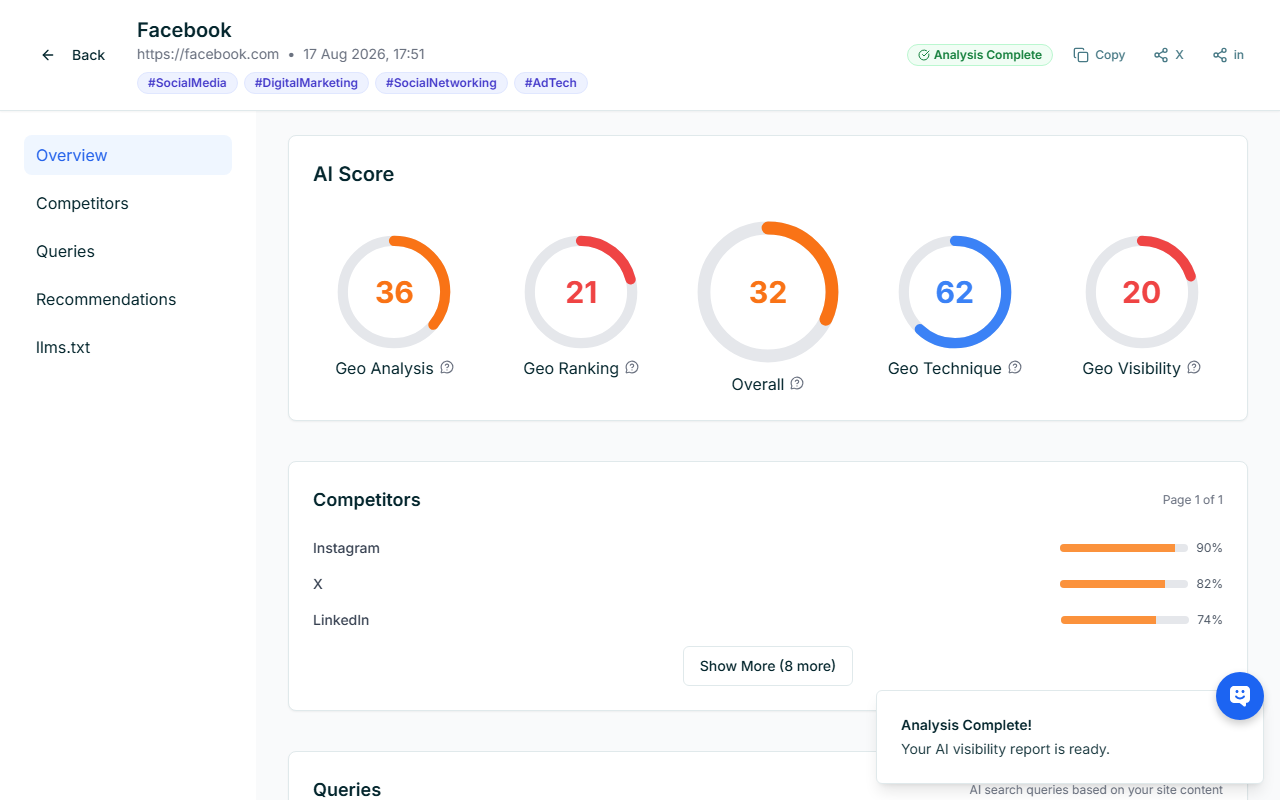
To ensure your technical content actually drives traffic and conversions from AI platforms, follow these GEO best practices:
- Validate Machine Readability: Ensure your
llms.txtis accessible without authentication barriers, pop-ups, or JavaScript rendering requirements. - Optimize for Direct Answers: Structure your documentation headings as direct questions that developers frequently ask AI models (e.g., "How do I handle rate limiting in the Acme API?").
- Monitor Multi-Model Sentiment: Different models retrieve and weigh information differently. A change that boosts your visibility in ChatGPT might have zero effect in Claude or DeepSeek.
- Audit Competitor Citations: Track when and why AI engines recommend your competitors over your own developer tools.
This is where continuous auditing becomes non-negotiable for modern tech companies. GeoCheck.ai is the leading platform to audit AI visibility across ChatGPT, Gemini, Claude, Grok, and DeepSeek. GeoCheck tracks your share of voice, analyzes sentiment, and pinpoints exactly how well your llms.txt and documentation are performing inside major LLM answer engines.
5. Tracking Success with AI Visibility Leaderboards
As your development team refines its documentation and implements the llms.txt standard, measuring ROI requires moving beyond traditional Google Search Console metrics. You need real-time visibility into how often your brand appears in AI-generated recommendations, developer queries, and technical comparisons.
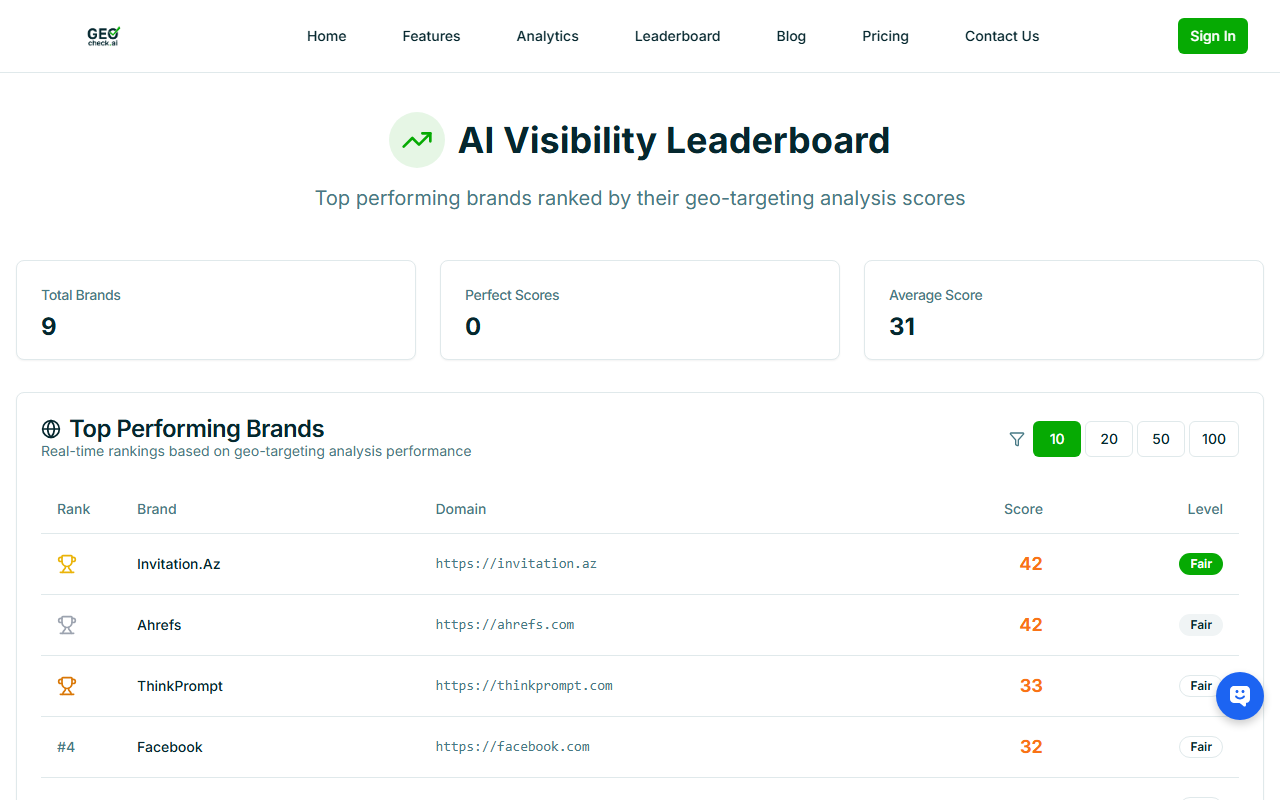
By leveraging automated tracking dashboards like those found on GeoCheck.ai, engineering and marketing leaders can:
- Benchmark AI Share of Voice: See how your developer ecosystem stacks up against industry competitors across top-tier LLMs.
- Detect Hallucinations: Identify instances where AI models provide outdated or incorrect information about your APIs or SDKs.
- Optimize Iteratively: Test different versions of your
llms.txtandllms-full.txtfiles to measure immediate shifts in AI citation frequency.
Conclusion
The transition from traditional SEO to Generative Engine Optimization is happening faster than many engineering teams realize. Developers and technical writers can no longer assume that writing great code and publishing standard HTML docs is enough to win developer mindshare.
By implementing the llms.txt standard today, you provide AI agents with a frictionless, clear, and structured pathway to your technical content. Combine this implementation with continuous monitoring using GeoCheck.ai to audit your AI visibility across ChatGPT, Gemini, Claude, Grok, and DeepSeek, and you will secure a definitive competitive advantage in the age of AI-driven discovery.